Use Ownstay on your phone
The bottom bar, the New button and the menu.
Ownstay works in your phone's browser. Add it to your Home Screen to open it like an app and to get notifications. See Get notifications on your phone.
The bottom bar
- Inbox, Bookings and Leads, for the screens you use most. If your work is on site, you get Record inward, To verify and Project dashboard instead.
- New, in the middle, starts anything you can create: a conversation, a booking, a payment request, a contact, a lead, a follow-up, a delivery or an expense. You only see what you are allowed to do.
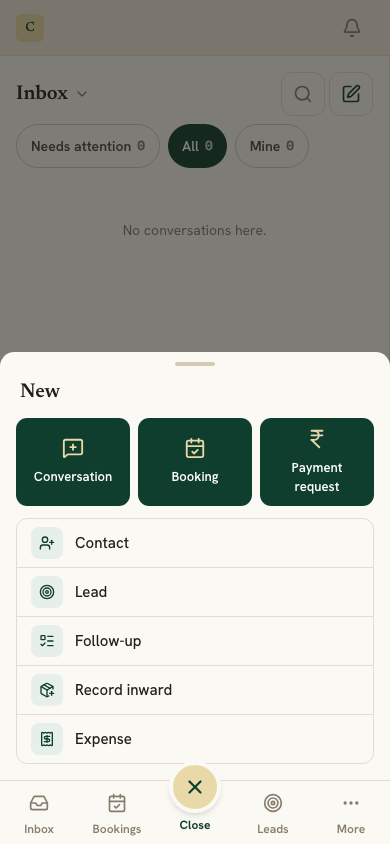
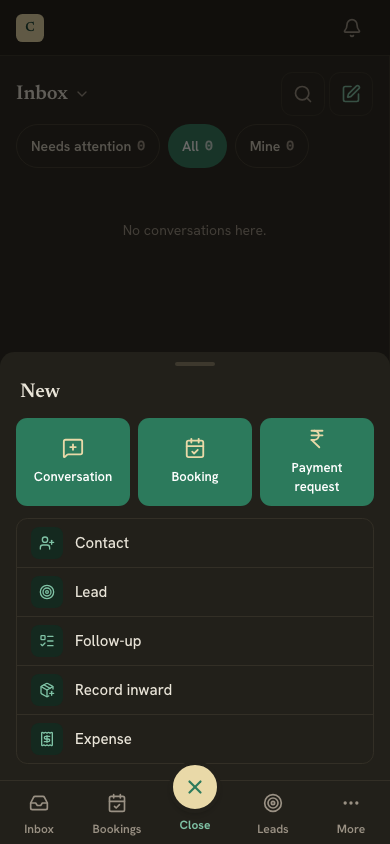
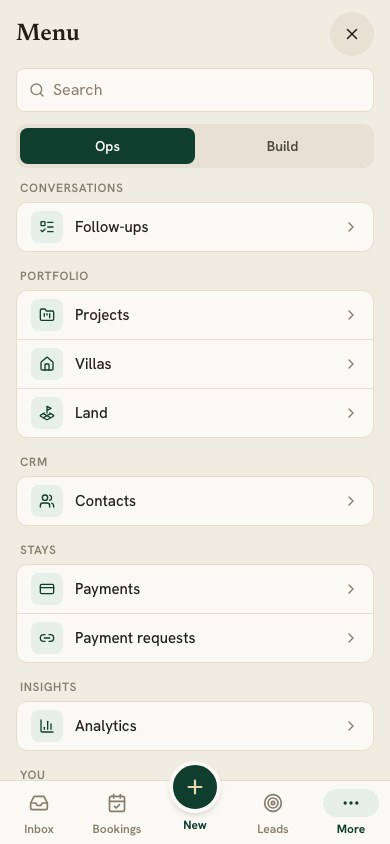
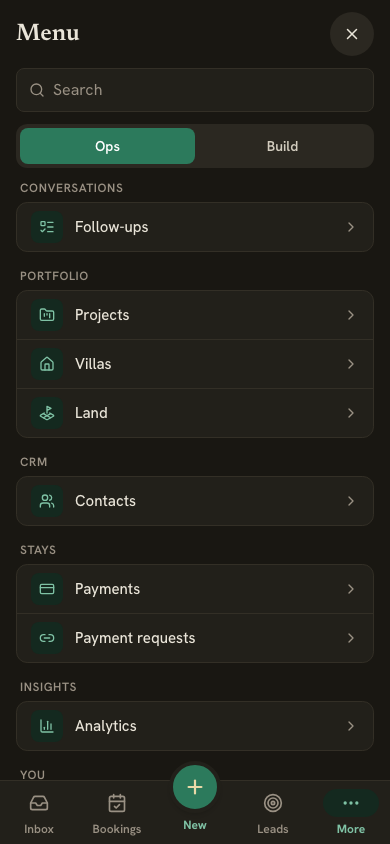
- More opens the menu: everything else, a search, and your profile, Settings and Sign out.
An open conversation fills the screen. Use the back arrow to return to the list, and the ⋯ button to take over or hand back.