Reply to a conversation
Read a WhatsApp conversation and answer it yourself.
Open the inbox
Go to Inbox. If you work in both sales and rentals you also have Sales, Rentals and Unified Inbox. On a phone, tap the inbox title to switch between them.
Use the chips to narrow the list: Needs attention shows conversations the assistant handed to a person, Mine shows the ones you have taken over or started.
Take it over
While the pill reads AI driving, the assistant is answering and you cannot type. Press Take over. The pill changes to You are replying.
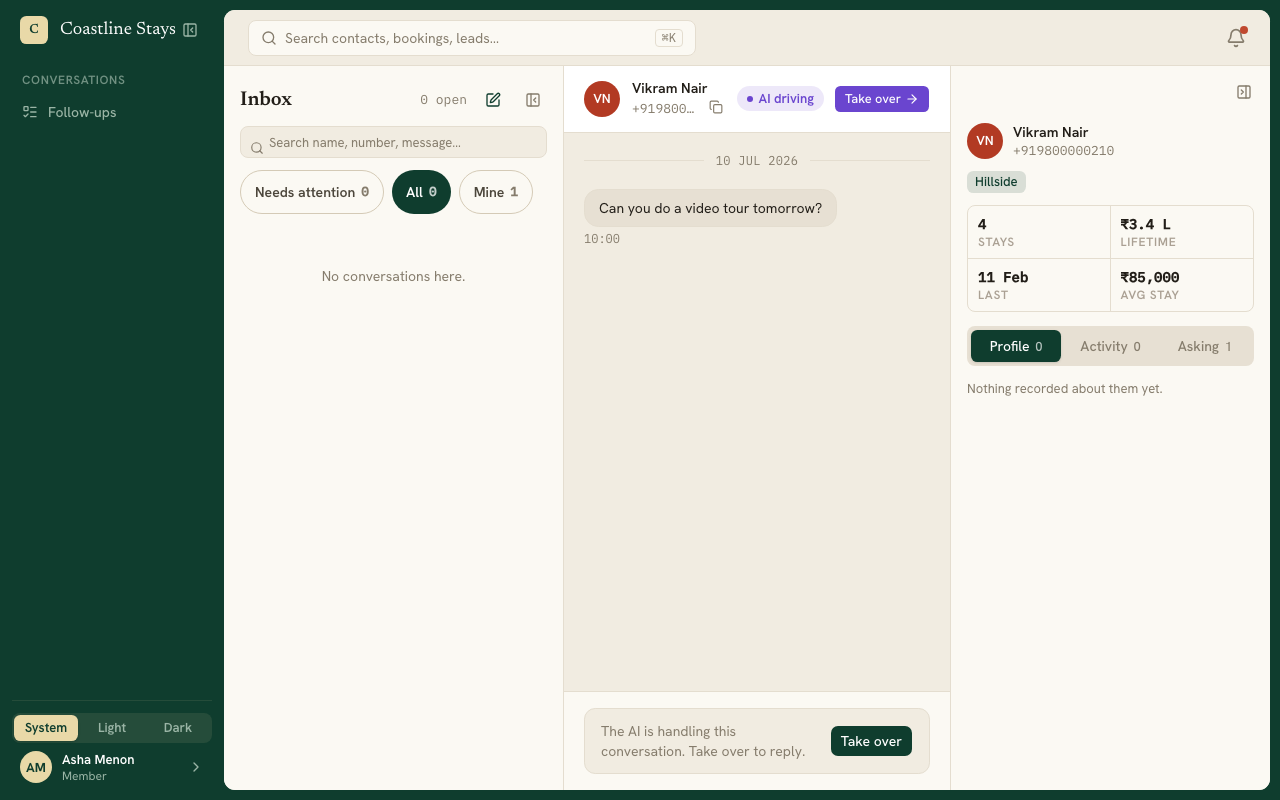
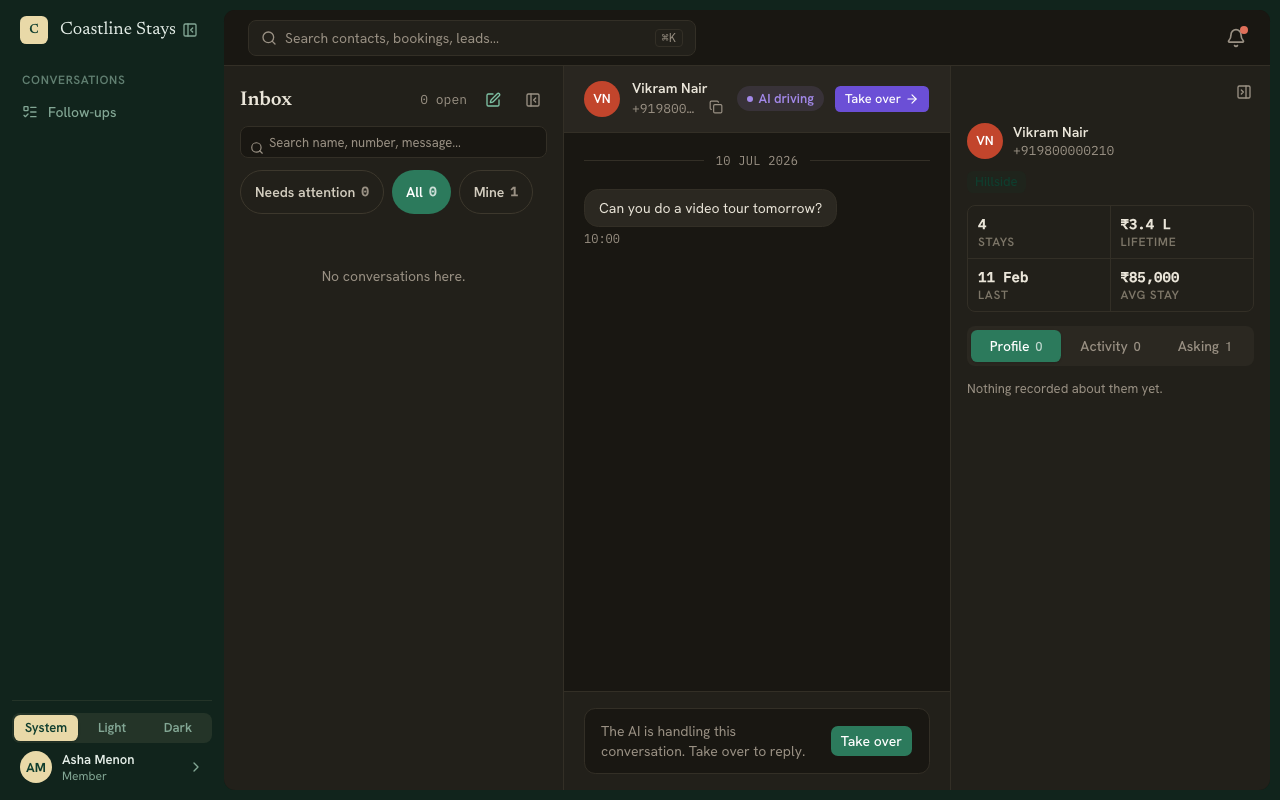
Write your reply
Type in the box and press Enter. Type / or press Saved replies to insert a quick reply, or attach a file with the paperclip.
Hand it back when you are done
Press Hand back to AI to let the assistant carry on from where you left off.
The 24-hour window
WhatsApp only allows free text within 24 hours of the customer's last message. The pill beside the conversation shows how long is left. Once it reads Reply window closed, you can only send an approved template.