Take over from the assistant
When the assistant hands a conversation to a person, and what to do when it does.
The assistant answers new conversations. It stops and asks for a person when:
- the customer asks for a human, or the assistant decides one is needed;
- it is asked something the project's knowledge base does not cover;
- the customer sends a photo, voice note or other media, which it cannot see.
These conversations show under Needs attention, marked Needs a human, and the people on that department's handoff roster are told on WhatsApp, by email and on their phones.
If the assistant writes a price it cannot stand behind, it does not send that reply. The conversation pauses quietly and reads Waiting for you.
Answer it
Open the conversation and press Take over. It is assigned to you and leaves Needs attention.
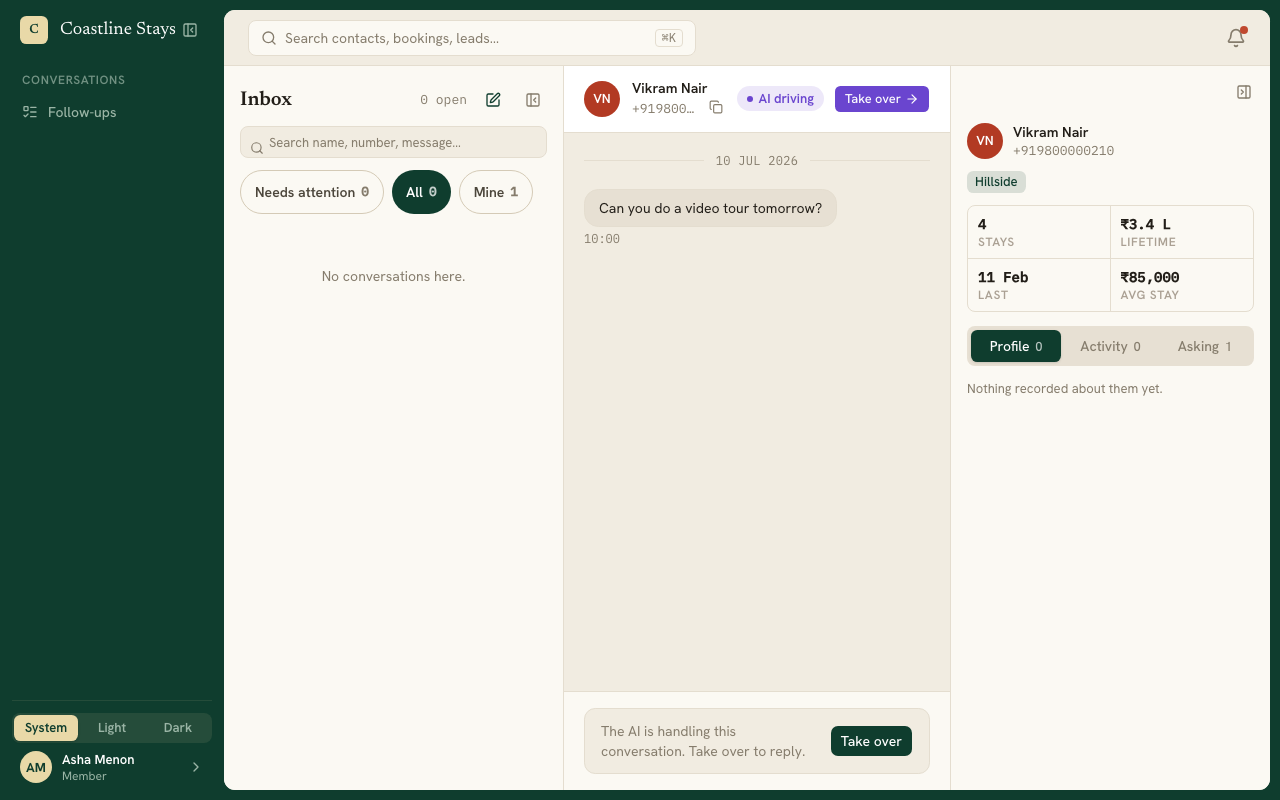
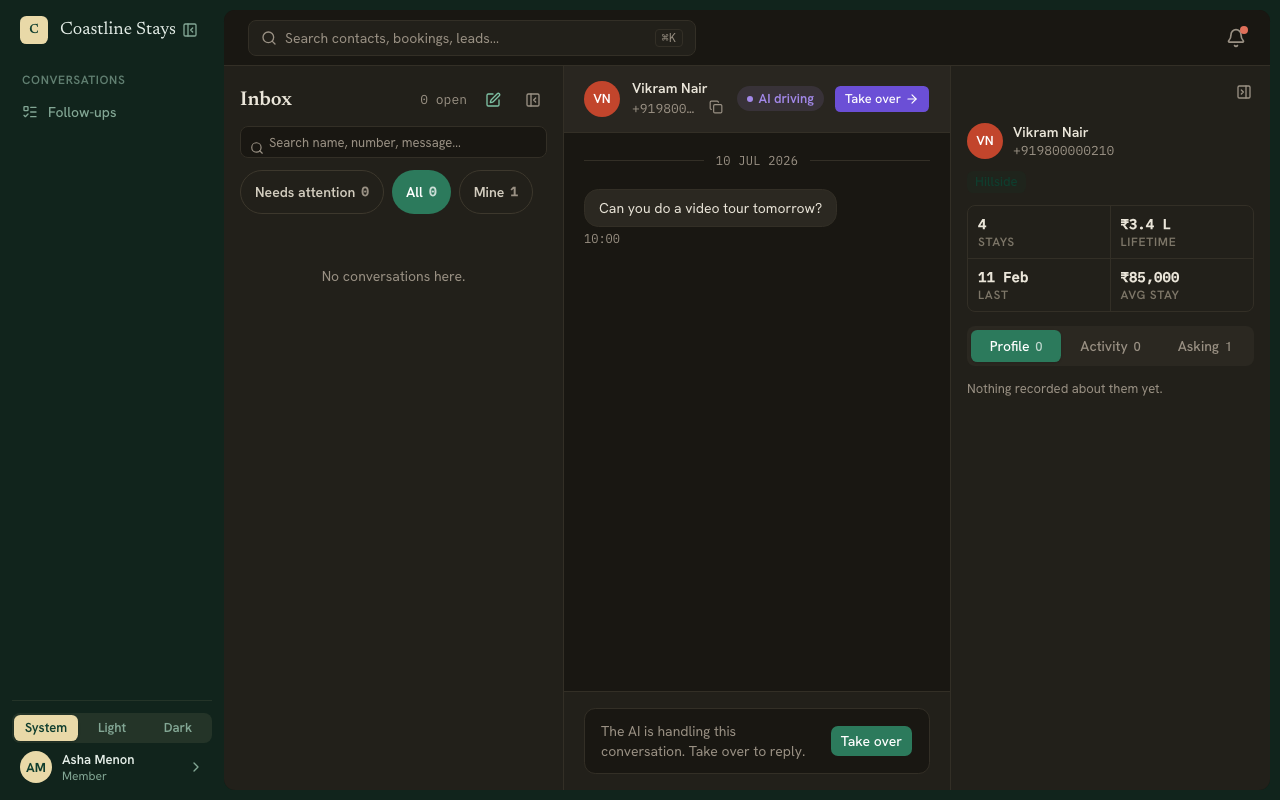
Reply to the customer.
When you are done, press Hand back to AI, or leave it with you.
To clear the flag without taking the conversation over, press Resolve.
Be told when it happens
Put yourself on a handoff roster in Settings, Team, and turn on notifications.