Record a delivery and photograph the challan
Record what arrived, who sent it and where it went, before the truck leaves.
The delivery then waits in To verify for the office to check.
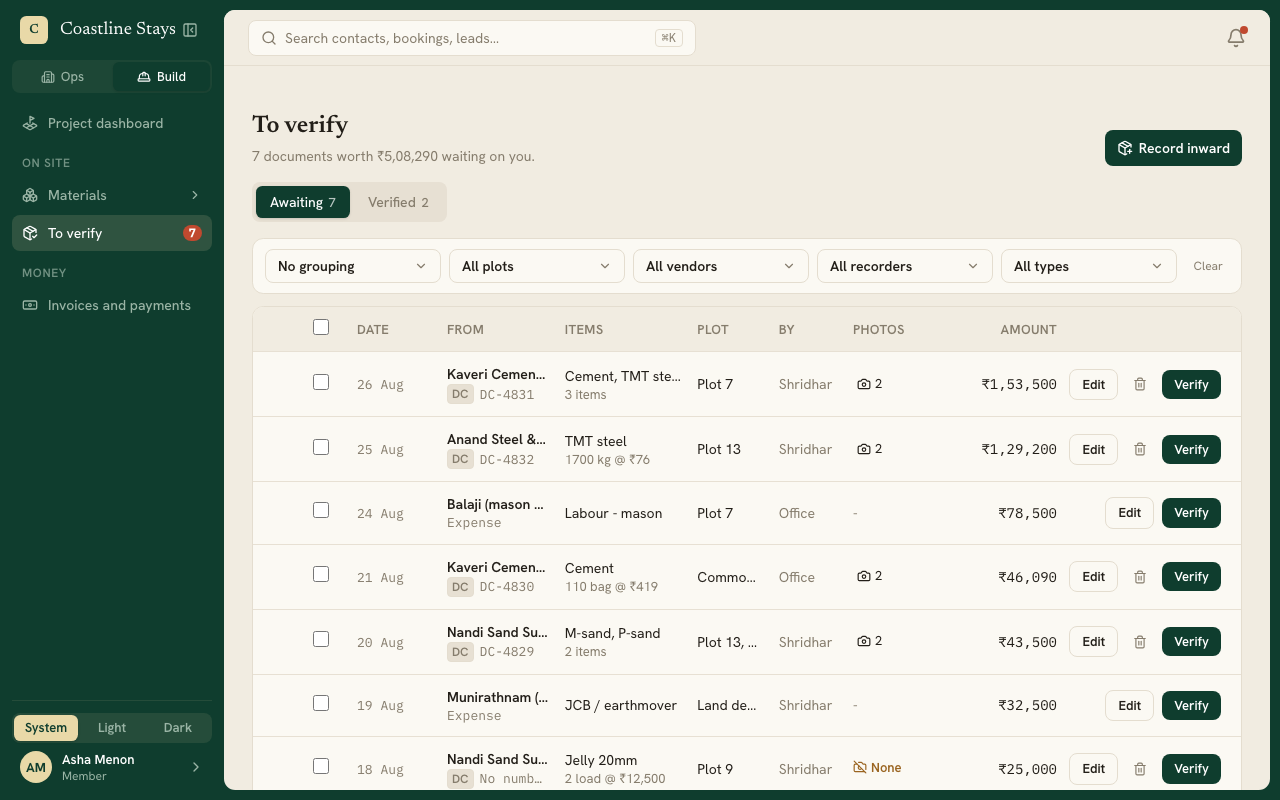
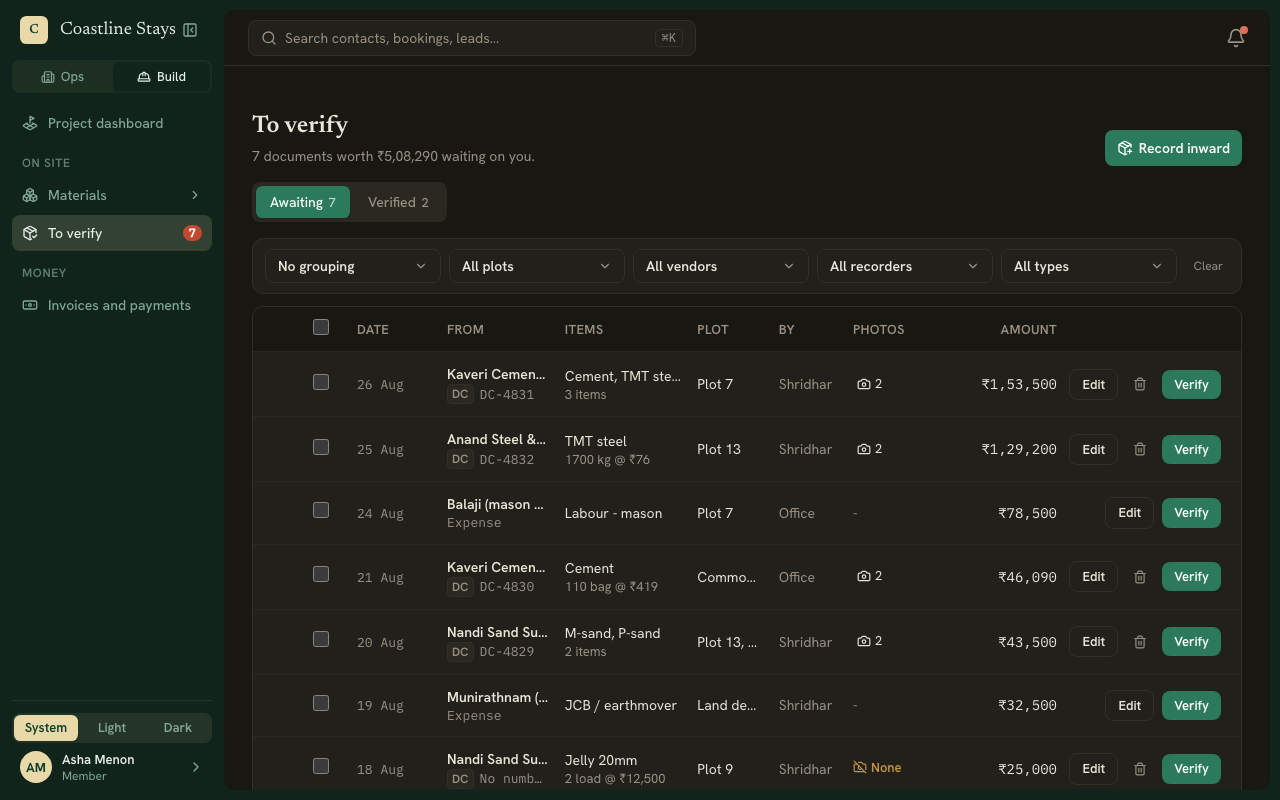
Open Record inward
On a phone, press New, then Record inward. On a computer, go to Materials, then Record inward, or press Record inward on the To verify page.
Photograph the delivery note
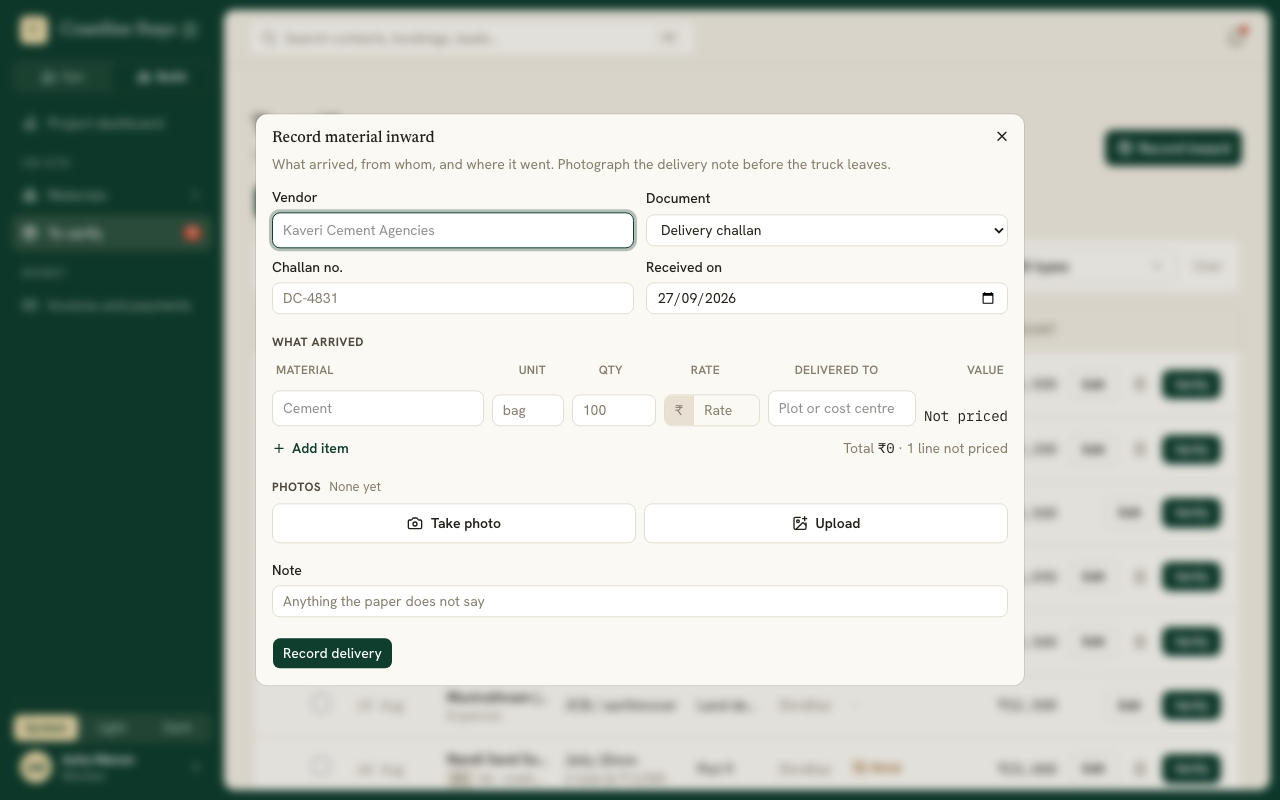
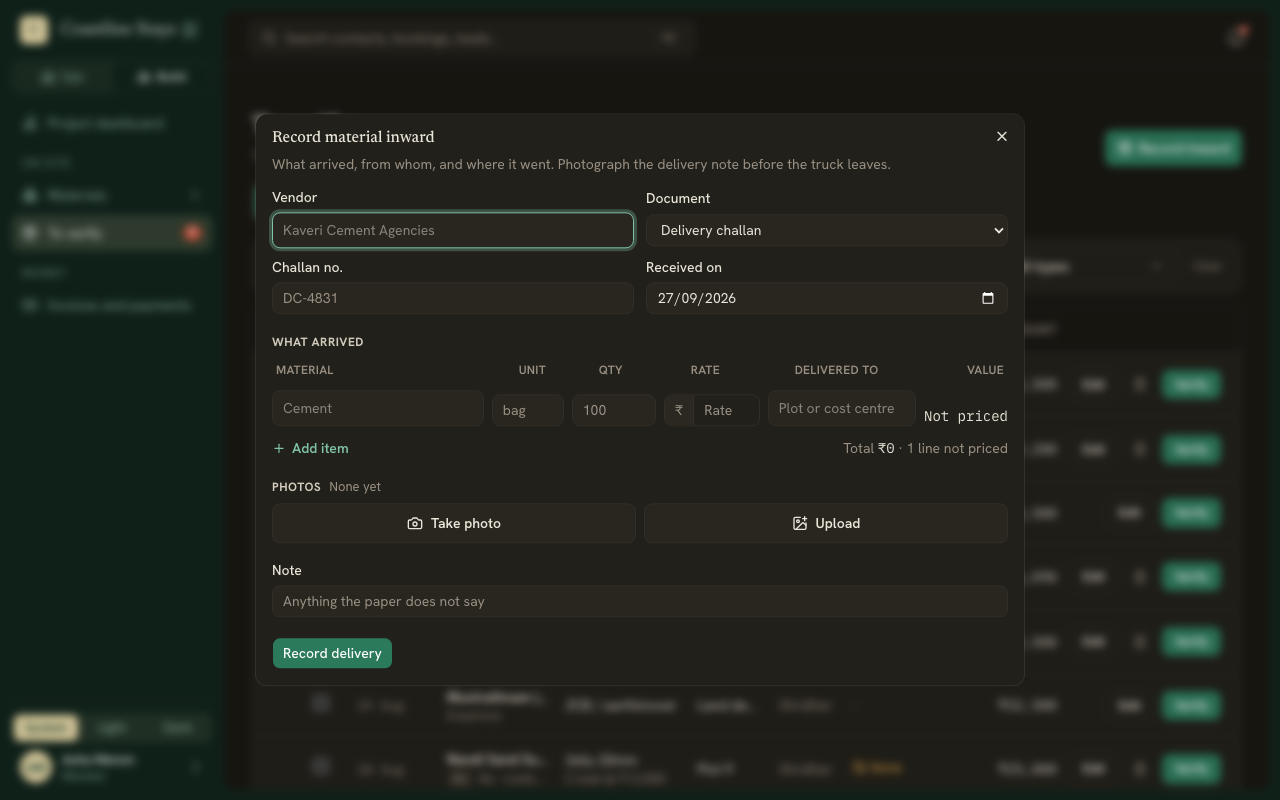
Under Photos, press Take photo to use the camera, or Upload to pick a photo or PDF. Add as many as the delivery needs. Photos upload as you take them, so a weak signal at the gate does not hold you up.
Say who sent it
- Project, if your workspace has more than one.
- Vendor: pick one, or type a new name and choose Add. A new vendor is added when you save.
- Document: Delivery challan, or Invoice if the paper is a bill. For an invoice, also enter its Invoice total from the bill, including tax and freight.
- Challan no. or Invoice no., and Received on.
Add what arrived
One line per material: the Material, its Unit, the Qty, the Rate if you know it, and the plot or cost centre it was Delivered to. Press + Add item for another line.
If one material went to two places, add it twice, once for each place.
Save
Press Record delivery. The form clears for the next load, keeping the date and the first line's plot.
Challan or invoice?
Record the paper you were handed. An Invoice makes the goods payable straight away. A Delivery challan does not; the office attaches it to the vendor's invoice later.
If it will not save
The form tells you what is missing, one thing at a time: the vendor, the date, a line, a material, a quantity, or where each line was delivered. A challan or invoice number already recorded against the same vendor is refused, so check you have not recorded it twice.