Verify a delivery
ForOwnerAdminAccountsProject manager
Check what was recorded at the gate against the paperwork, and sign it off.
Only verified bills can be paid.
Open To verify
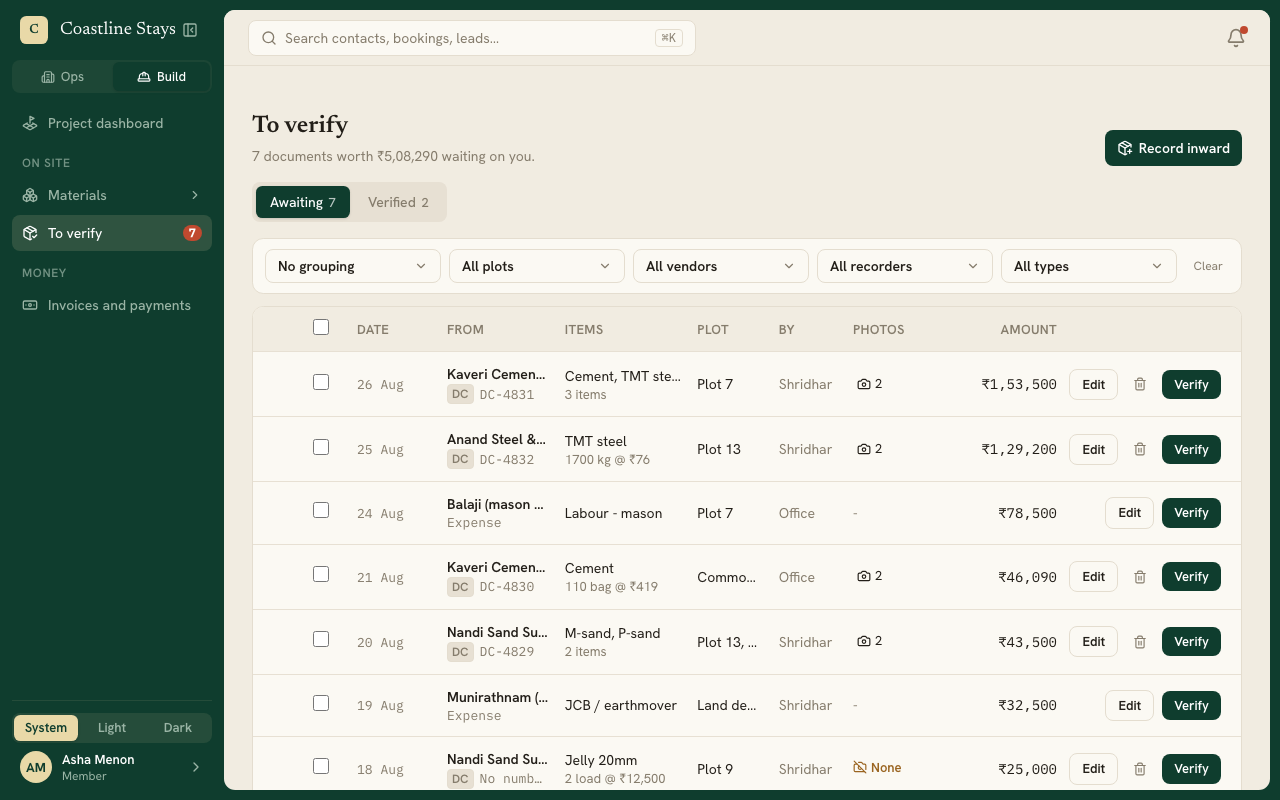
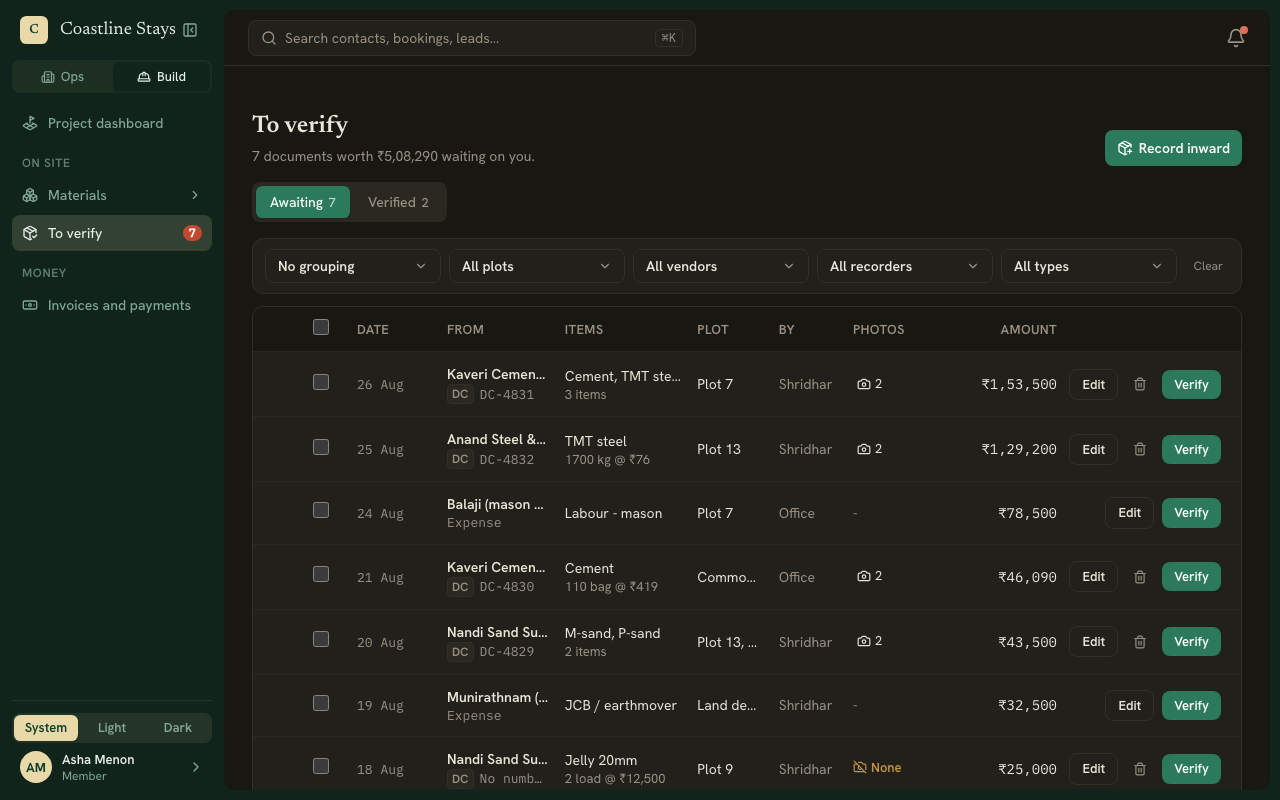
Go to To verify. The Awaiting tab lists every delivery and expense not yet signed off, with who recorded it and how many photos it has.
Check the paperwork
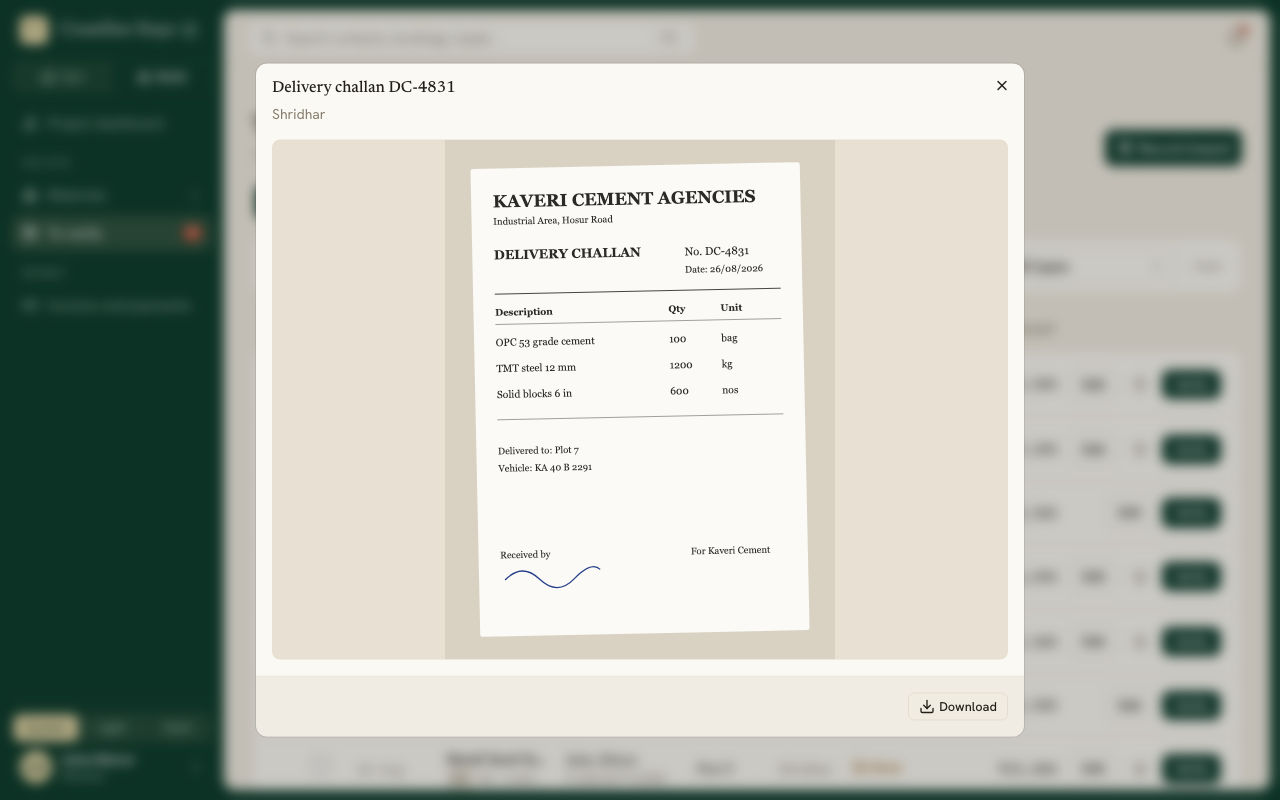
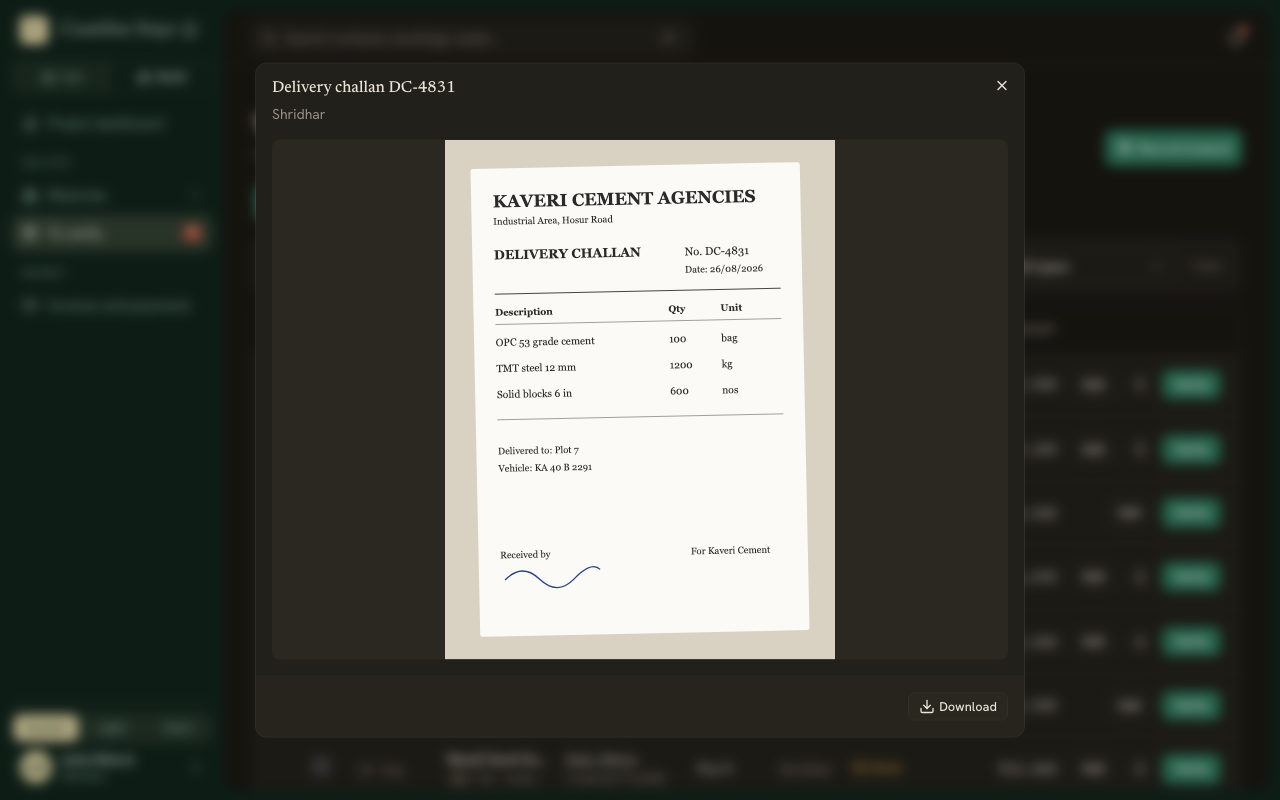
Press the photo count on a row to see what was photographed. Photos open in the app; use the arrows to move between them, and Download to save one. A PDF opens in your browser. A row reading None had nothing photographed.
Verify
Press Verify on the row. To sign off several at once, tick them and press Verify these.
Signed-off items move to the Verified tab. To change one, press Withdraw first.
You can group the list by vendor, plot, week or who recorded it, and filter it the same ways.